WhatsApp Business Automation: How to Turn Conversations Into Automated Customer Journeys
For a lot of businesses, WhatsApp stopped being just a messaging app a while ago. Customers use it to ask questions, request prices, book appointments, follow up on orders, contact sales, ask for support, share documents and confirm details — it's become a genuine customer communication channel, not a side conversation next to the real one.
The trouble is that when every conversation gets handled manually, WhatsApp becomes difficult to manage fast: messages get missed, follow-ups get forgotten, customer information stays trapped inside individual chats, sales opportunities never make it into the CRM, and support ends up answering the same question for the hundredth time. WhatsApp Business automation is the fix — connecting the channel to a CRM, AI, workflow automation, databases and the rest of a business's tools, so a conversation turns into a connected journey rather than an isolated exchange.
What WhatsApp Business automation actually is
In its simplest form, a customer message triggers automation that identifies the customer, processes the request, updates the CRM and sends a response. A more advanced version adds AI into that same sequence: a message goes through intent detection, a knowledge-base or CRM lookup, a set of business rules, either an AI-generated response or a workflow action, a CRM update, and a human-escalation path when needed. Either way, the effect is the same — WhatsApp stops being an isolated app and becomes part of the company's actual operational infrastructure.
Why manual WhatsApp management breaks down
Manual WhatsApp handling creates the same problems at every business that relies on it: a high-volume inbox becomes genuinely hard to monitor, response times stretch into hours, teams answer the same handful of questions over and over, important conversations never reach the CRM, a customer who waits too long simply messages a competitor instead, and sales follow-ups get forgotten because nothing reminds anyone to send them. Automation exists to put a structured process around exactly these failure points.
Turning a message into a workflow trigger
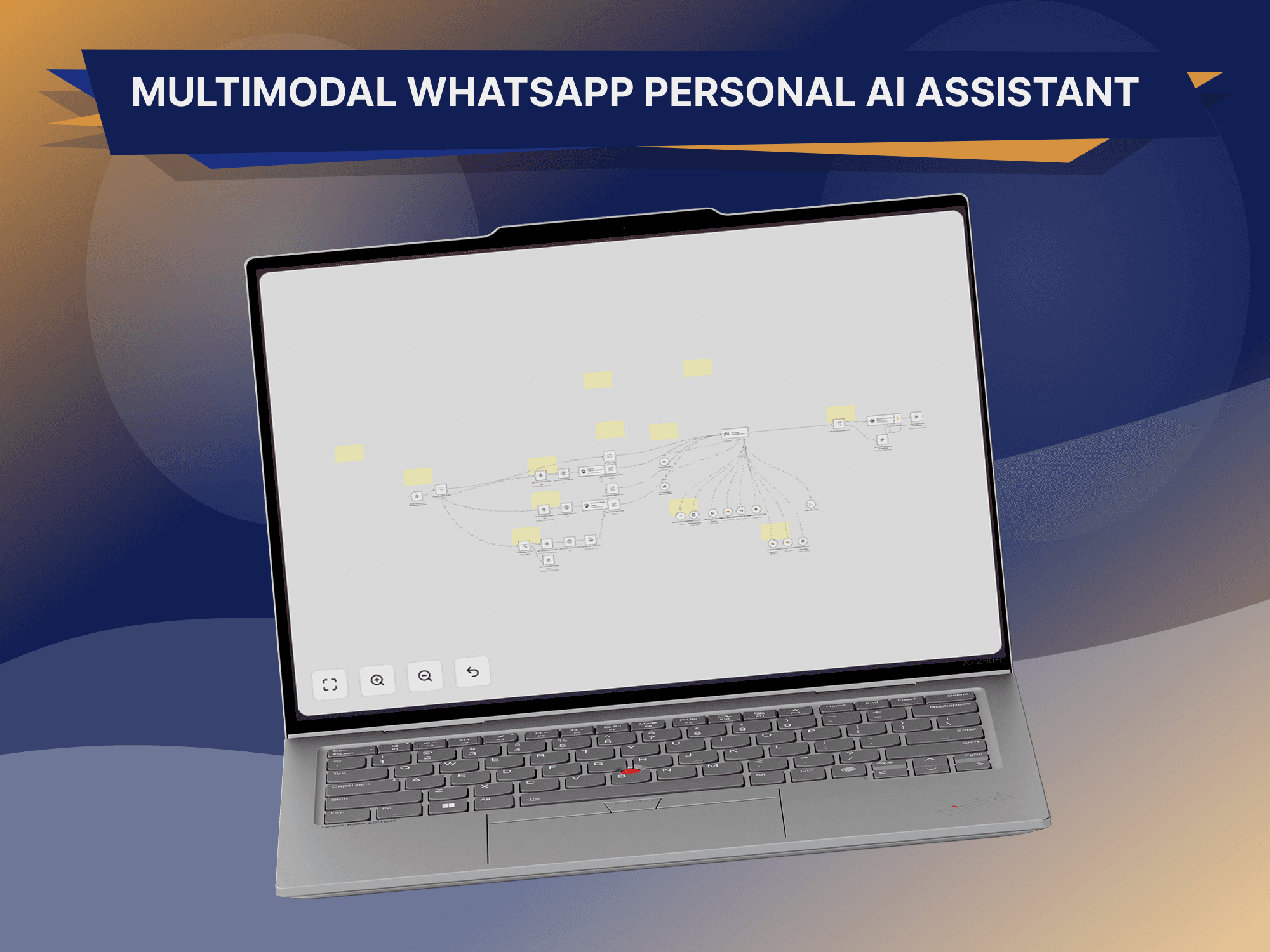
The real advantage of API-based WhatsApp automation is that a customer message becomes a workflow trigger rather than just an alert on someone's phone — a webhook hands the message to n8n, and the workflow decides what happens next: a new inquiry creates a lead, an existing customer's account gets retrieved, a support question triggers a knowledge-base search, an appointment request starts a scheduling workflow, and a sales inquiry notifies the right salesperson.
Capturing leads and recognizing returning customers
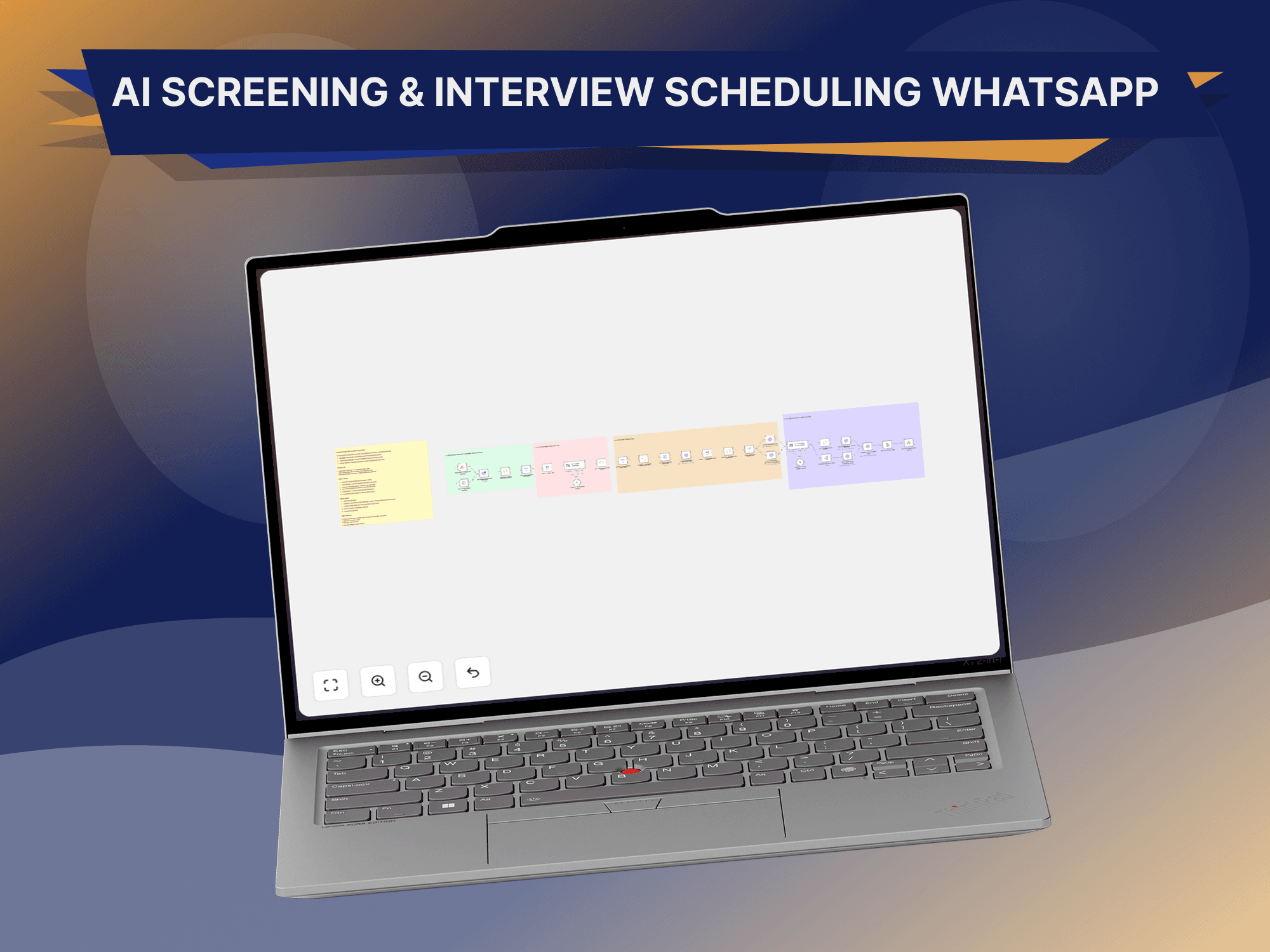
A message like "Hi, I'm interested in your CRM development service" doesn't need to stay trapped inside WhatsApp — the automation can look up the number against the CRM and either create a new contact or update the existing one, associating the conversation with the right record either way. The same lookup works in reverse for returning customers: a known number can pull up the customer's name, account status, previous interactions, open support tickets, active opportunities and assigned salesperson before anyone even replies, turning a cold reply into a genuinely contextual one.
Understanding what a customer actually wants
Customers don't fill out structured forms on WhatsApp — they write naturally, and AI is what turns that into something a workflow can act on. "I want to know how much your CRM system costs" reads as a pricing inquiry; "I've already paid but haven't received confirmation" reads as payment support; "can someone contact me about building an automation system?" reads as a sales inquiry — each one routed differently once the intent is clear. Qualification can happen the same conversational way: an assistant asking what kind of automation someone needs, then roughly how large their team is, turns two short replies into a structured lead — company, requirement, team size, intent, status — that gives a salesperson something far more useful to work with than "someone messaged us on WhatsApp."
Answering what repeats, and knowing what doesn't need AI
A lot of what arrives on WhatsApp is the same handful of questions on repeat — services offered, business hours, location, how the process works, what information is needed, how to book a consultation — and a rule-based or AI assistant can answer approved versions of these without a person involved at all. Connecting that same channel to a RAG knowledge base extends it further: a customer question gets matched against approved website content, FAQs, documentation and product information, with the response grounded in that material rather than guessed — and escalated to a human the moment reliable information genuinely isn't available. Not every message needs AI to begin with, though: "what are your opening hours?" is answered perfectly well by a simple rule, while "I'm currently using spreadsheets and WhatsApp to manage around 2,000 customers, can you recommend a system?" genuinely needs interpretation. Using rules for the simple requests and AI for the complex ones keeps the system both cheaper to run and more reliable.
Making WhatsApp part of the CRM, not separate from it
CRM integration is where WhatsApp automation earns most of its value — a conversation can update a contact, a lead, an opportunity, its sales stage, notes, tasks and customer status automatically, turning WhatsApp into part of the sales process rather than a channel running alongside it. A prospect asking for a proposal can have that request logged and a follow-up task created automatically; once the proposal goes out, the workflow can wait for a response and either stand down if the customer replies or trigger a follow-up if they don't, which is what keeps opportunities from quietly going cold. Buying signals inside the conversation itself are worth acting on too — "we need this implemented this month and would like to discuss pricing" reads as strong intent with an immediate timeline, which is exactly the kind of message that should trigger a high-priority notification rather than sit in a queue with everything else.
Appointments and documents over WhatsApp
A request to "book a consultation" can be handled the same way — identifying the customer, working out the type of appointment, checking availability, presenting options, confirming the booking, updating the CRM, sending confirmation and, later, sending reminders according to the business's own communication rules. Documents customers send through WhatsApp — invoices, application forms, identification, product images, reports — can be securely retrieved and processed through OCR or AI extraction into structured data the right business system can use, with sensitive information handled according to whatever security and compliance requirements actually apply to that data.
Routing support requests and knowing when to hand off
Incoming support messages can be classified and routed to sales, support or billing automatically, so each team only sees the requests actually relevant to it rather than everything arriving in one shared inbox. None of this should try to solve every problem on its own, though — a well-designed system needs a clear path to a human, triggered by low confidence, an explicit request from the customer, a sensitive issue, a genuinely complex problem, repeated failed responses, or a high-value opportunity worth a person's attention.
“The goal isn't to remove human support — it's to make human support more efficient.”
n8n as the layer connecting WhatsApp to everything else
n8n typically sits directly behind the WhatsApp API — a webhook receives the message, n8n routes it to AI, the CRM or a database as needed, business logic decides what happens, and a response goes back out over WhatsApp. From there it can fan out just as easily to a knowledge base, a calendar or email, letting a business build genuinely complex customer journeys without anyone manually moving information between applications by hand.
A complete WhatsApp lead journey, start to finish
A customer writes "Hi, I need a custom CRM." The system checks the number against the CRM and finds nothing. AI reads the message and detects a CRM development intent. The assistant asks what the customer would like the CRM to manage, and gets back "sales, customer communication and WhatsApp." The CRM is updated with the requirement, a high-intent flag and the source marked as WhatsApp. The assigned salesperson is notified. A follow-up task is created automatically. None of that required a person to copy a single piece of information between systems — the entire journey ran on its own, from the first message to a salesperson holding a qualified, contextualized lead.
WhatsApp automation looks different by industry
What gets automated shifts by industry. Real estate leans on property inquiries, lead qualification, viewing requests, agent assignment and follow-ups. Healthcare can automate appointment inquiries, reminders, general information and routing, with sensitive health information requiring its own safeguards and compliance controls. E-commerce automates order updates, customer questions, support routing and product inquiries. Education automates course inquiries, application information, student support and follow-ups. Professional services automate lead capture, consultation requests, qualification and client support. None of these transfer as a generic template — the workflow needs to be built around what that specific industry's conversations actually look like.
It's more than a chatbot
A common mistake is treating "WhatsApp automation" as synonymous with "build a chatbot." The chatbot is just the interface. The actual value sits behind it — a conversation flowing into AI, into the CRM, into a database, into a knowledge base, through business rules, out to sales or support, and to a human whenever escalation makes sense. Build only the interface and skip the infrastructure behind it, and the result rarely delivers much beyond a slightly nicer way to answer the same questions.
Remembering the conversation, not just the message
A useful assistant needs to track context across an entire conversation, not just react to the last message in isolation — a customer saying "I need a CRM," then "sales and WhatsApp," then "12 people" in response to three separate questions is one conversation, not three unrelated messages, and the system needs to hold that state in a database or application layer to respond sensibly to the third reply at all.
Protecting customer data and not becoming spam
WhatsApp automation touches genuinely sensitive customer information, which makes security a day-one concern rather than something to bolt on later — proper API authentication, secure credential storage, access control, data minimization, encryption where appropriate, audit logging, retention policies, permission management and secure webhook handling all matter here, alongside a real review of the privacy and platform requirements that apply before anything goes live. The same discipline applies to how often a business messages someone in the first place: automation should improve communication, not turn into spam, which means avoiding excessive messages, irrelevant follow-ups, repetitive responses, unclear automated behavior and unwanted promotional messaging, and respecting WhatsApp's own policies, consent requirements and customer preferences throughout.
What to measure
Response time, the percentage of requests handled without manual intervention, how often a conversation still needs a human, how many WhatsApp inquiries convert into qualified opportunities, how many support requests actually get resolved, how many opportunities receive a timely follow-up, and how much revenue genuinely traces back to WhatsApp are the numbers that show whether the system is working, rather than just message volume on its own.
Mistakes worth avoiding
The common failure modes are consistent: building only a chatbot with no CRM or workflow integration behind it, which limits how much business value it can actually create; leaving out a human handoff, so a frustrated customer has no easy way to reach a real person; skipping conversation context, which makes an assistant feel like it's ignoring what was just said; giving an AI assistant unrestricted access instead of a limited, controlled set of permissions; ignoring platform policies, consent requirements and applicable privacy rules; and automating everything indiscriminately, when a simple rule is still the right answer for a simple request.
WhatsApp is increasingly becoming an interface for real business operations rather than a side channel next to them. Instead of a customer reaching an employee who then works a system on their behalf, a business can build a path where a customer message goes straight through WhatsApp into AI and automation and out to the actual business systems behind it — the customer never needs to know which CRM, database or automation platform is doing the work, they just send a message and the system handles the complexity. That's the kind of system GitzTech builds: WhatsApp Business API integrations, AI WhatsApp assistants, CRM integration, lead qualification, automated follow-ups, support workflows, knowledge-base integration, n8n automation, appointment workflows, human handoff and conversation analytics connected into one system rather than a chatbot bolted onto a phone number.
WhatsApp has become a critical communication channel for a lot of businesses, but managing every conversation by hand doesn't scale past a certain point. With the right architecture behind it — AI, a CRM, a knowledge base, a database, n8n, the right APIs, sales workflows and customer support all connected — conversations turn into structured workflows and measurable business actions instead of just messages waiting to be answered. The future of WhatsApp automation was never just "send an automatic reply." It's understanding the customer, retrieving the right information, taking the right action, and bringing in a human exactly when one is actually needed — that's the point where WhatsApp automation becomes a genuine business advantage rather than a slightly faster inbox.
Common questions
What is WhatsApp Business automation?
It's the use of APIs, workflows and software integrations to automatically process and respond to WhatsApp customer interactions, rather than handling every conversation manually.
Can WhatsApp connect to a CRM?
Yes. With the right API and integration architecture, WhatsApp conversations can be connected to CRM contacts, leads and opportunities.
Can AI answer WhatsApp messages?
Yes — AI can answer appropriate questions using defined instructions and approved knowledge sources.
Can WhatsApp leads be automatically qualified?
Yes. AI can analyze a conversation and collect structured qualification information as it unfolds.
Can WhatsApp automation create CRM leads?
Yes. A new conversation can trigger a workflow that creates or updates the relevant CRM record automatically.
Can a human take over an automated conversation?
Yes — human escalation should be part of any well-designed production system, not an afterthought.
Can WhatsApp automation use n8n?
Yes. n8n can act as the orchestration layer connecting WhatsApp with AI, a CRM, databases and other applications.
Can WhatsApp automation process documents?
It can, when the relevant API capabilities, security controls and processing infrastructure are properly configured.