AI-Powered CRM Automation: How to Build a Smarter Sales Pipeline
A CRM is supposed to help a business manage its relationships with customers. In a lot of organizations, it becomes another source of manual work instead — salespeople creating contacts by hand, copying information out of emails, updating deal stages, scheduling follow-ups, adding notes, searching for customer history, assigning leads to whoever's free. When those steps don't happen consistently, the CRM stops being a reliable source of truth, no matter how good the software behind it is.
AI-powered CRM automation is the fix for that gap. Instead of treating the CRM as a database employees have to remember to update, a business can connect it to AI, workflow automation, communication platforms and the other systems around it — so the CRM doesn't just store information, it actively helps process, organize and route it.
What AI CRM automation actually is
AI CRM automation combines three components doing three different jobs. The CRM stores customer and sales information. Workflow automation moves that information between systems and triggers actions. Artificial intelligence understands unstructured information and assists with classification, summarization and decision-making. A new lead can move through AI analysis, qualification, the CRM, sales assignment and a follow-up sequence without an employee manually managing every step — the system coordinates the process instead of a person having to remember it.
Why the CRM usually isn't the actual problem
Installing a CRM doesn't automatically create an efficient sales process. A lead can arrive by email, get opened by a salesperson, have its name, company and phone number copied out by hand, get searched for company information, have notes added, get assigned, and finally have a follow-up task created — ten manual steps for one lead, on CRM software that might be excellent. The CRM isn't the problem in that picture; the process built around it is, and that's exactly what automation is built to remove.
What a connected CRM architecture looks like
A modern AI-enabled CRM ecosystem pulls leads in from wherever they actually originate — the website, email, WhatsApp — through an automation layer that hands unstructured information to AI for analysis before it ever reaches the CRM. From there, the CRM becomes the central customer-data layer that sales, marketing and support all draw from, rather than three separate departments keeping their own version of who a customer is.
Capturing leads and keeping the database clean
Leads arrive from website forms, landing pages, email, WhatsApp, social campaigns, advertising, referrals, events and API integrations, and none of them need a person to type them into the CRM by hand — a workflow can validate the submitted data and create or update the record automatically. The part that actually protects data quality is duplicate detection: "John Smith", "John A. Smith" and "J. Smith" can easily end up as three separate records unless the workflow compares email, phone, company, domain and existing CRM IDs before deciding whether to update an existing contact or create a new one. Getting that check right the first time is what keeps a growing CRM usable instead of cluttered.
Enrichment, scoring and routing
A contact that arrives with just a name, email and company gives a salesperson almost nothing to work with. Enrichment fills that in — industry, website, company size, location, business description, technology signals — so a rep has real context before the first call. AI qualification takes it further, evaluating a lead against the criteria that actually matter to the business (company size, industry, location, the specific requirement, budget signals) and producing a score a set of business rules can act on: a lead in the 90s gets treated as a priority, one in the 70s and 80s is qualified, the 40s and 60s go to nurture, and anything lower goes to review — with the exact thresholds tuned to how the business actually sells, not a generic template. Once a lead clears that bar, routing rules can assign it automatically based on territory, industry, product, company size, score, rep workload or existing account ownership, so an enterprise lead reaches the enterprise team, an SMB lead reaches the SMB team, and an existing customer reaches their account manager — without the delay of someone manually deciding who should own it.
Giving salespeople context instead of busywork
A salesperson doesn't always have time to read every record in full, so AI can condense one into a short summary — "UK-based property company exploring CRM automation and WhatsApp integration, current workflow appears to rely heavily on manual lead handling, strong potential fit" — that gets the opportunity across in one paragraph instead of several records. The same idea applies to notes: raw meeting notes can be turned into structured fields — requirements, budget, timeline, decision maker, pain points, next steps — so CRM records stay consistent regardless of who took the notes or how thorough they were. AI can go one step further and draft outreach emails from the CRM context (customer name, company, prior conversation, deal stage, requirements, recent activity), with the salesperson reviewing before it goes out — AI handles the preparation, the human controls the communication.
Follow-ups and deal stages that don't rely on memory
A CRM should know what's supposed to happen next without anyone having to remember it. A proposal sent with no response after a set period can trigger a follow-up task automatically, and stop the sequence the moment the customer actually replies — which is what keeps opportunities from disappearing simply because someone forgot to check back in. Deal stages can move the same way: a proposal getting accepted can move a deal to won, a payment coming in can kick off customer onboarding, a completed meeting can flag that a follow-up is required — each stage updated by the event that actually happened rather than by someone remembering to click through the pipeline.
Connecting the CRM to WhatsApp, email and the calendar
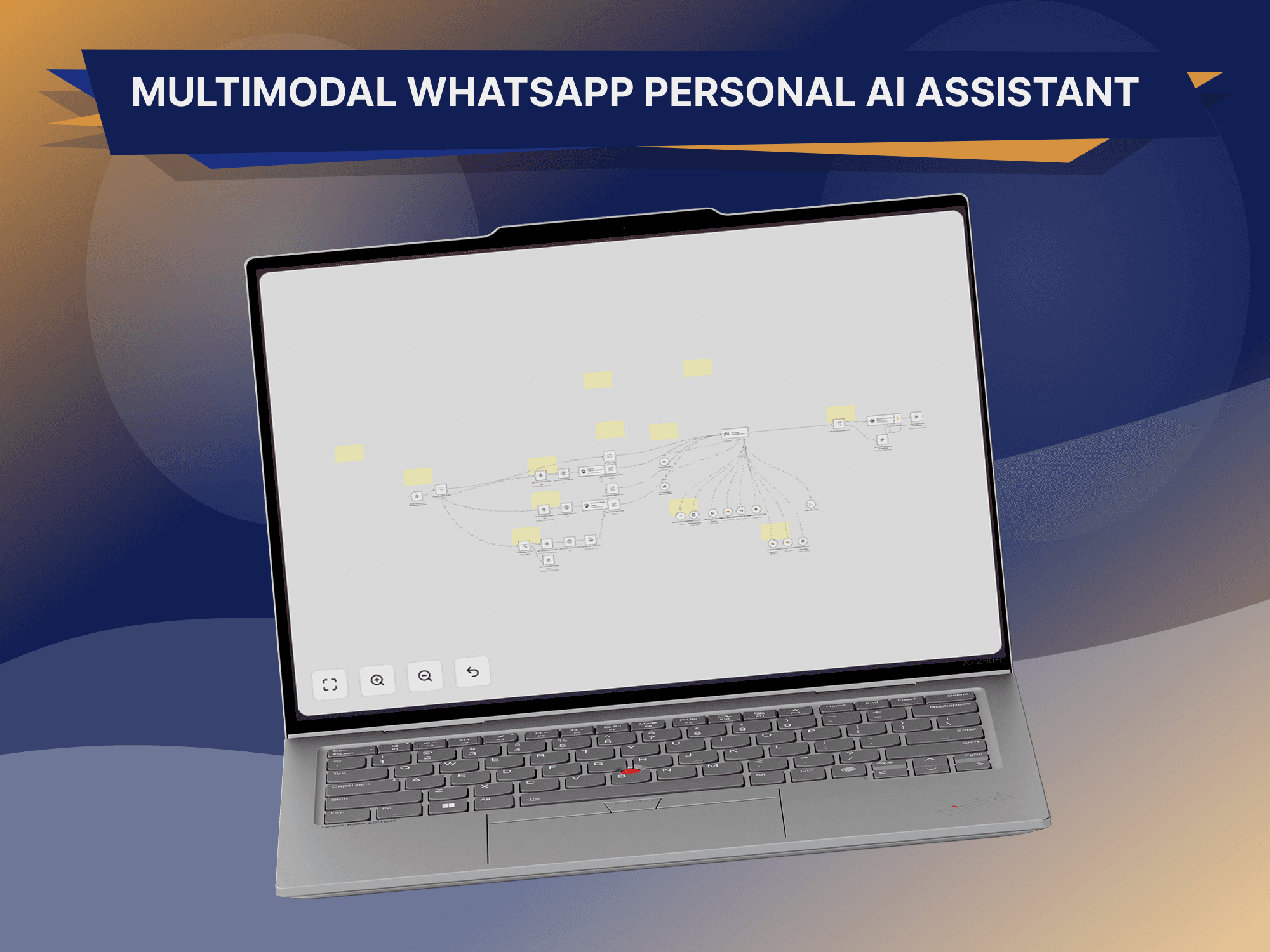
For businesses that talk to customers over WhatsApp, connecting that channel to the CRM matters as much as the automation inside the CRM itself — an incoming message can identify the customer, look up their CRM record, pull conversation context, generate or route a response, and write the outcome back to the CRM, so the conversation doesn't stay trapped inside a messaging app. Email works the same way: an incoming message can be matched to a CRM contact, classified as a new inquiry, an existing customer, a sales opportunity, a support request, a billing issue or a meeting request, and logged as an activity against the right record. Calendar bookings close the loop further — a booked meeting can look up or create the CRM deal and notify the salesperson, and a completed meeting can trigger a follow-up task and an AI-generated summary written back to the CRM automatically. Support benefits from the same connection in reverse: when a request comes in, an agent can pull up the customer's subscription, previous interactions, open deals and prior support history in one place instead of digging for it.
Toward a single customer view
One of the bigger opportunities here is a genuinely unified customer profile — instead of information scattered across the CRM, email, WhatsApp, the calendar, support and billing, an automation layer can connect all of it into one customer view that sales, support and finance can each draw from. Once that data is actually connected, AI can help surface patterns a person would otherwise have to go looking for: which leads are most likely to convert, which deals have gone quiet, which customers need attention, which opportunities have been sitting untouched too long, which leads match the ideal customer profile.
“AI should support a sales decision with reliable data and clear criteria — never stand in as an unquestionable decision-maker.”
n8n as the connective layer, end to end
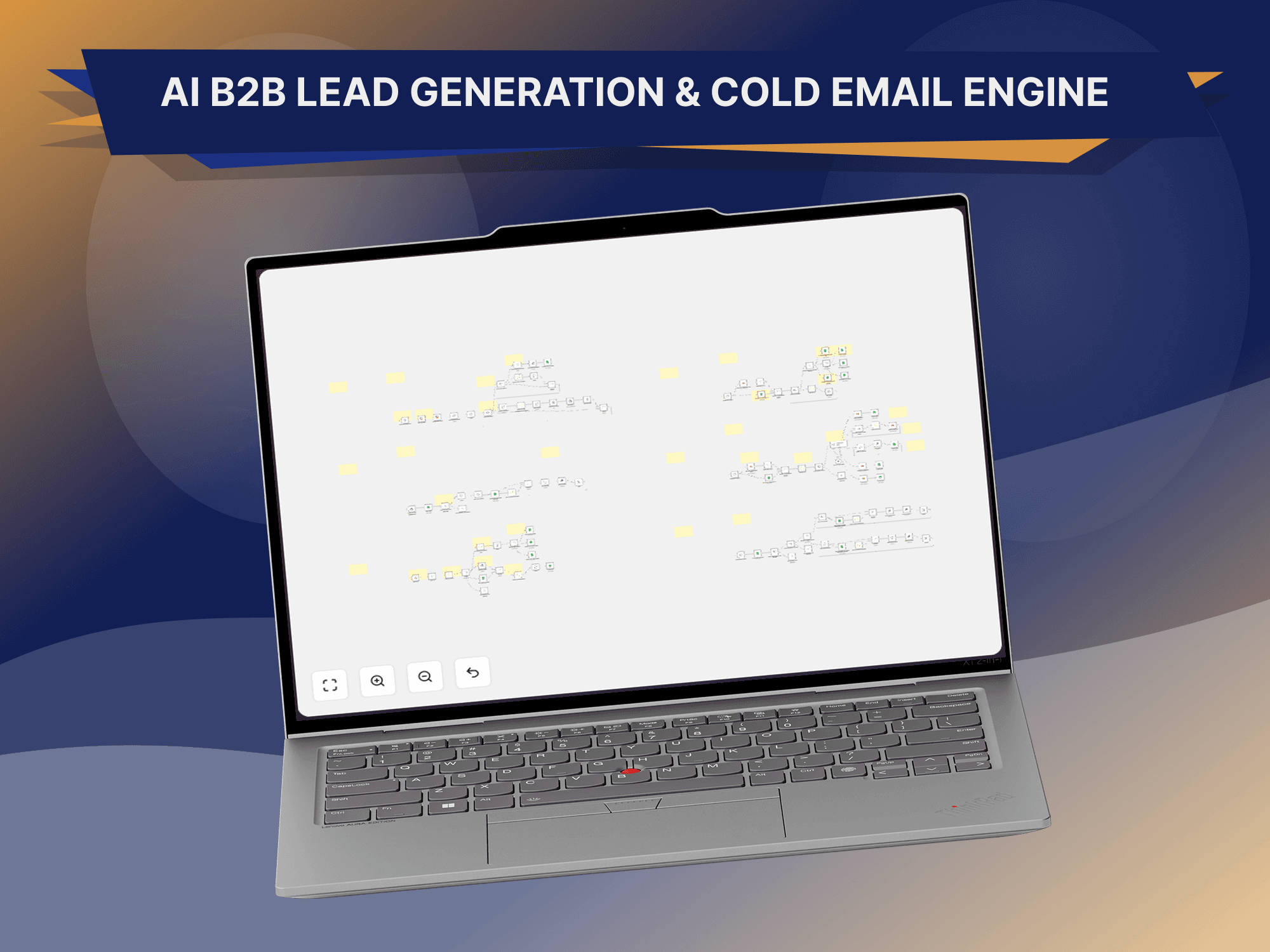
n8n is what typically sits between the CRM and everything around it — a website feeding an AI step, which updates the CRM, which triggers an email, a calendar check and a Slack notification, all as one workflow rather than separate integrations maintained independently. A single B2B lead can move through the whole thing automatically: the lead submits a website form, n8n receives the webhook, the information gets validated, a duplicate check runs against the CRM, the company gets enriched, AI analyzes the lead and produces a score, a CRM contact and opportunity get created, a salesperson gets assigned and notified, AI prepares an outreach draft, and a follow-up task gets created — twelve steps that would otherwise take a person real time, running in the background before anyone on the sales team has even opened the record.
Where human approval still belongs
Automation shouldn't remove human control from decisions that actually matter. The pattern worth building around important actions is AI analysis feeding business rules, business rules feeding a human approval step, and only then the action itself — AI can draft a high-value proposal email, but a salesperson reviews it before it goes out. That's what removes the repetitive part of the work without creating unnecessary risk around the parts that genuinely need a person's judgment.
Security worth building in from day one
CRM systems hold sensitive business information, which makes access control a design decision rather than an afterthought — proper authentication, least-privilege access, secure credential storage, scoped API permissions, audit logs and error monitoring all matter here, and an AI system should only ever receive the specific information it needs for its task, not blanket access to the whole CRM.
Measuring CRM automation ROI
A CRM automation project should be measurable rather than just impressive to look at. Lead processing time, the number of manual tasks actually eliminated, CRM data accuracy, follow-up rate, sales conversion and the hours returned to the sales team are the numbers that show whether the system is genuinely creating business value or just moving the same manual work somewhere less visible.
Mistakes worth avoiding
The common failure modes are consistent: automating a workflow without actually understanding how the business sells, so the automation fights the real process instead of matching it; adding AI to steps a simple rule would have handled just as well; building automation on top of CRM data that was already inconsistent, which just produces bad results faster; skipping duplicate protection, which creates database problems almost immediately; shipping with no error handling, so a failed integration can silently lose customer information; leaving out a human escalation path for decisions that genuinely need one; and running with no monitoring on a workflow that's now handling real customer data.
The CRM of the future won't just be a database salespeople remember to update — it becomes an active operational layer that captures customer information, understands conversations and data with AI, keeps records synchronized, recommends opportunities and next actions, automates the repetitive workflows around all of that, and gives salespeople useful context instead of more admin. That's the kind of system GitzTech builds: CRM platforms connected to n8n, AI models, WhatsApp, email, websites, calendars, databases, APIs, support systems and internal tools, designed around how a business already sells rather than forcing a new process on top of it.
A CRM becomes far more powerful once it's connected to the rest of the business — AI to understand unstructured information, automation to move it between systems, business rules to control what matters, and people still responsible for the interactions that genuinely need judgment. The future here isn't just better CRM software; it's CRM, AI, automation, integrations and human expertise working as one system, making the CRM work for the business instead of the other way around.
Common questions
What is AI CRM automation?
It uses artificial intelligence and workflow automation to capture, analyze, organize and act on customer information inside a CRM ecosystem, rather than relying on employees to keep every record updated by hand.
Can AI update my CRM automatically?
Yes. AI can extract and classify information, and workflow automation can update the appropriate CRM fields based on rules the business defines.
Can CRM automation work with WhatsApp?
Yes — businesses can connect a supported WhatsApp Business or API setup to their CRM and automation workflows so conversations and customer records stay in sync.
Can AI qualify leads?
Yes. AI can analyze lead information against predefined qualification criteria and produce a structured score or recommendation for the sales team to act on.
Can AI write sales emails?
Yes. AI can prepare personalized drafts using CRM information such as deal stage and prior conversation — human review is recommended for anything important before it's sent.
Can CRM automation work with multiple systems?
Yes. Workflow automation can connect a CRM to email, WhatsApp, calendars, databases, websites, payment systems and other business APIs at the same time.
Should I replace my existing CRM?
Not necessarily. In most cases, an existing CRM can be enhanced through integrations and automation rather than replaced outright.