AI Workflow Automation: How Businesses Can Automate Repetitive Operations
A lead arrives and someone types it into the CRM. A customer messages and someone copies the details into another system. A meeting ends and someone updates the pipeline by hand. An invoice goes out and someone sends the follow-up email. None of these take long on their own — multiply them across hundreds or thousands of interactions a month, and the wasted time adds up to something real.
This is where AI workflow automation earns its place. Modern automation isn't just connecting two apps so a form submission creates a record somewhere else — a well-designed system can understand incoming information, apply business rules, use AI to interpret unstructured text, make a routing decision and trigger actions across several systems at once, so the business ends up running on fewer manual steps rather than more integrations.
What AI workflow automation actually is
Traditional automation follows a fixed path: a form gets submitted, a contact gets created, an email gets sent. AI-powered automation can go further, because a model can read a message, identify what the customer actually wants, extract the requirements buried in it, score the lead, choose the right workflow for that score, update the CRM and notify the right salesperson — all from the same trigger. The difference is that traditional automation runs on predefined conditions, while AI can interpret information that was never perfectly structured in the first place, which is what makes it useful for emails, customer messages, documents, support conversations, sales notes, website content, forms, images and PDFs — the material that doesn't arrive as clean fields in a database.
The hidden cost of manual processes
Manual processes carry costs that rarely show up on a balance sheet until they're added up: the hours employees spend copying information between systems, the errors that manual data entry inevitably introduces, the delays created by a task sitting in someone's inbox, the inconsistency of different people handling the same process differently, and the limited scalability of a process that needs another hire every time volume grows. Turning a repeated process into a structured workflow addresses all five at once, because the same steps run the same way regardless of who — or what — triggered them.
Which processes are worth automating
Not every process should be automated. A good candidate is highly repetitive, governed by clear business rules, runs at real volume, takes predictable inputs and produces a measurable outcome — a new lead moving through enrichment, qualification, the CRM and a sales notification is a strong example. Negotiating a complex enterprise contract is not, because it genuinely needs human judgment at every turn. The goal isn't to automate everything a business does; it's to automate the parts that are repetitive enough to deserve it and leave the parts that need a person with a person.
Inside an AI workflow: trigger to notification
Most intelligent workflows share the same building blocks, each with one job. A trigger — a form submission, an incoming email, a new CRM record, a WhatsApp message, a scheduled event, a webhook, an uploaded document — tells the system something needs to happen. Data collection gathers what the process needs, pulling in additional detail from connected systems where necessary. Data processing cleans it up: normalizing an email address typed in capitals with stray spaces, formatting phone numbers, validating fields, removing duplicates, standardizing company names.
That's where AI analysis becomes genuinely useful. A customer writing "we're currently managing all our leads in spreadsheets and want a proper CRM with WhatsApp integration" is easy for a person to parse and hard for a traditional rules engine to. An AI model can pull the intent (CRM development), the specific requirement (WhatsApp integration), the pain point (spreadsheet-based lead management) and an estimate of opportunity size straight out of that sentence. Business rules then take over rather than letting the model decide everything on its own — a lead scoring above a set threshold goes straight to a sales notification, a mid-range score goes into a nurture workflow, anything lower goes to the marketing database. AI interprets; business rules control, and that combination is what makes the workflow predictable enough to trust.
From there the workflow executes the action that actually produces business value — creating a CRM contact, updating an opportunity, sending an email, opening a support ticket, posting to Slack, sending a WhatsApp message, scheduling a meeting — and logs what happened at each stage. A production workflow that records "lead received → enriched → AI qualified → scored 86 → salesperson assigned → notification sent" is far easier to troubleshoot than one that just quietly does something and leaves no trail.
Automating email, documents and the CRM
Email is still one of the most important business channels, and also one of the messiest — an inbox mixes sales inquiries, support requests, billing questions and spam with no structure at all. AI can classify each incoming message and route it accordingly: a sales email creates or updates a lead, a support email opens a ticket, a billing email goes to finance, spam gets archived under whatever rules the business sets. Documents follow the same pattern — an invoice, application, contract, purchase order or CV can be extracted field by field (vendor, invoice number, date, subtotal, tax, total) and pushed straight into the accounting or HR system it belongs in, removing a large share of manual data entry in the process.
CRM automation tends to be where this pays off fastest, because a CRM sitting in isolation is only as useful as the manual updates someone remembers to make. A new lead can be created, enriched, qualified and assigned automatically; a new deal can trigger tasks and notify the right team; a deal marked won can update the customer record, notify operations and kick off onboarding; a deal marked lost can log the reason and route the contact into the right nurture sequence. Once those triggers are wired in, the CRM stops being an isolated database and becomes something the rest of the business actually runs through.
Onboarding and support without the manual handoffs
Customer onboarding is a good example of how much manual coordination a single event can require: a signed contract normally means a salesperson emailing operations, operations creating an account, support opening a customer record, finance updating billing, and a project manager creating tasks — five separate handoffs for one event. Automation collapses that into one sequence: the contract or payment triggers an automation that updates the CRM, creates the customer account, opens the project, generates the tasks, sends the welcome email and fires off the internal notifications, all from the same starting point.
Support automation follows a similar shape. An incoming customer message identifies the customer, searches the knowledge base, has an AI model generate or evaluate a candidate answer, and either responds automatically or escalates to a human — simple, well-documented questions get handled immediately, and anything the system isn't confident about goes to a person instead of guessing.
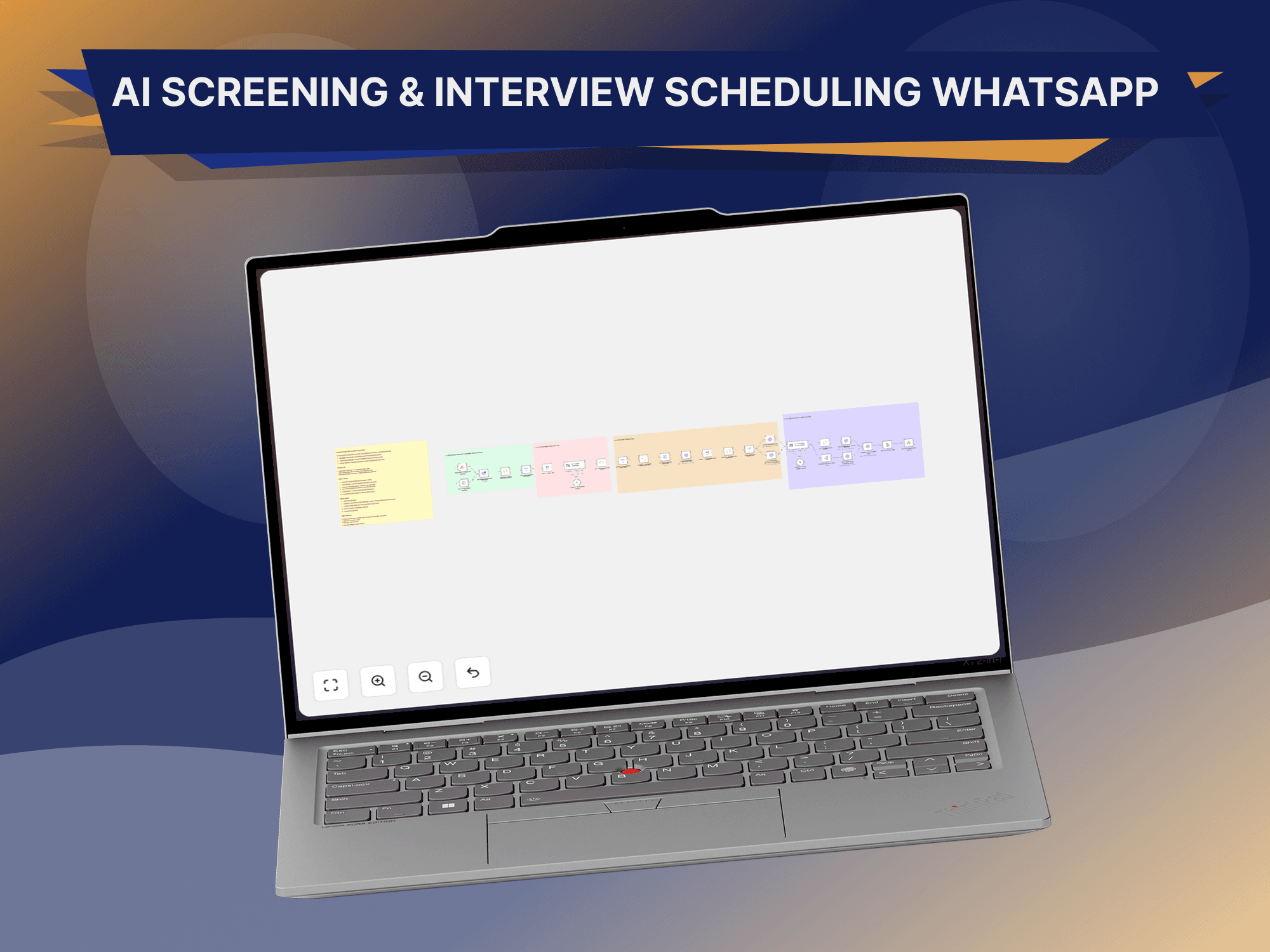
n8n as the automation layer
n8n earns its place once a business needs to connect more than a couple of applications — a website form feeding an AI model, which updates a CRM, sends an email, posts to Slack and writes to a database, all as one coordinated workflow rather than a pile of point-to-point integrations built and maintained separately. That's the practical difference between automating a handful of tasks and building a genuinely sophisticated business process without also having to build an entire integration platform from scratch.
AI agents versus traditional workflows
A traditional workflow follows a predictable path — trigger, step A, step B, step C. An AI agent works differently: given a goal, it evaluates the situation, chooses an appropriate tool, performs an action, evaluates the result, and decides whether to continue or escalate. Agents are useful once a process genuinely needs that kind of dynamic decision-making, but they still need to operate inside boundaries a business actually controls, rather than being handed a goal and left to figure out the rest unsupervised.
“Automation should increase efficiency without removing the control a business actually needs.”
It's tempting to build a system that does everything automatically, but that creates real risk — an AI sending the wrong email, updating the wrong customer record, creating duplicates, approving something it shouldn't, or making a promise the business never authorized. A better architecture routes anything sensitive through an approval step: the AI produces a recommendation, business rules check it against policy, a human approves it, and only then does the action fire.
Making automation production-ready
A workflow isn't production-ready just because it works when everything goes perfectly — real systems fail in ordinary ways: APIs go down, authentication expires, third-party services return errors, data arrives incomplete. A workflow built for production needs retry logic, error handling, logging, alerts, fallback paths, validation and duplicate protection, so a failed request gets retried, a still-failing one gets logged and flagged to the team, and nothing important disappears silently. Access control matters just as much once a workflow is wired into real systems — sales automation only needs lead and CRM access, billing automation only needs the financial system, support automation only needs customer and ticket data — and keeping each workflow scoped to what it actually needs is what limits the damage if something does go wrong.
Measuring automation ROI
A strong automation project should be measurable, not just impressive in a demo. Hours saved, processing time, error reduction, response time, conversion rate and cost per operation compared with the manual equivalent are the numbers worth tracking — they're what turns "we automated something" into a business case that holds up when someone asks whether it was worth building.
Automation across every department
AI workflow automation isn't a sales-only tool. The same principles apply across the business: sales gets lead enrichment, qualification and follow-ups; marketing gets content workflows, lead routing and campaign operations; support gets ticket classification and AI-assisted responses; finance gets invoice processing and reconciliation; HR gets candidate processing and onboarding; operations gets task creation and system synchronization; management gets automated reporting and business intelligence pulled together without anyone assembling a spreadsheet by hand.
A practical rollout, not a rebuild
Businesses don't need to automate the whole organization at once. A practical rollout starts with process discovery — mapping out what's genuinely repetitive — then prioritizes by ROI, designs the workflow's triggers, conditions and actions, wires up the integrations to the CRM, databases and communication platforms involved, and adds an AI layer only where interpretation or classification is genuinely needed rather than everywhere it could technically be used. From there it's normal software discipline: test the ordinary path and the edge cases, deploy, monitor for failures and cost, and refine the workflow against how it actually behaves once it's handling real traffic.
Mistakes worth avoiding
The common failure modes are consistent: automating a process that was broken to begin with, instead of fixing the process first and automating it second; adding AI to a step that a simple deterministic rule would have handled just as well; shipping with no human escalation path for the exceptions that genuinely need one; ignoring the ongoing cost of AI calls and third-party APIs; running with no monitoring, so a workflow can fail silently for weeks; and skipping documentation, so nobody on the team actually knows how the workflow behaves when something breaks.
The next generation of business automation combines workflow automation, AI models, business data, APIs, AI agents and human oversight into systems that don't just move data between apps but understand context and do useful work with it. The goal was never to remove people from the process — it's to remove the manual work that never needed a person in the first place, so the team's time goes toward the parts of the job that actually benefit from judgment.
A lead can move from a website form through enrichment and AI qualification straight into the CRM and a sales notification. A customer message can move through AI support and the knowledge base into either an answer or a human escalation. A signed contract can move through the CRM into onboarding, a live project and the right internal notifications — all without anyone manually shepherding it between systems. The businesses that benefit most from this won't necessarily be the ones using the most AI. They'll be the ones that use it where it creates measurable business value, and build the workflow, the business rules and the human checkpoints around it properly.
Common questions
What is AI workflow automation?
It combines traditional workflow automation with AI capabilities to process information, make classifications or recommendations, and trigger business actions — rather than just moving data between fixed steps.
Is n8n an AI platform?
No — n8n is primarily a workflow automation and orchestration platform. It connects AI models and services to the rest of a business's workflows rather than being an AI model itself.
Can AI automation work with an existing CRM?
Yes. Existing CRM systems can usually be connected through APIs, webhooks or supported native integrations, without needing to replace the CRM itself.
Can AI automate emails?
Yes — AI can classify emails, extract information, generate drafts and route messages to the right team. Important or sensitive communications can still require human approval before sending.
Can AI automation work with WhatsApp?
Yes, where the appropriate WhatsApp Business or API setup and permissions are in place.
Should every business use AI agents?
No. Traditional workflows are usually the better fit for predictable processes. AI agents are most useful when a process genuinely needs more flexible, situational decision-making.
How do I know what to automate first?
Start with repetitive, high-volume processes that have clear inputs, clear outputs and a measurable cost — that's where automation shows a return fastest.