AI-Powered Customer Support Automation: Build Faster, Smarter Support Systems
Customer expectations have changed. People don't want to wait until the next business day for an answer to a simple question — they expect a business to respond quickly across whichever channel they're already using: website chat, email, WhatsApp, a support portal, social messaging, a mobile app.
At the same time, support teams are dealing with a growing volume of genuinely repetitive requests — what are your business hours, how do I reset my account, where's my invoice, what's my order status, how do I configure this integration — and hiring more people isn't always the right answer to that growth. A better approach automates the repetitive parts of support while keeping human agents available for anything that's actually complex. That's what AI customer support automation is for.
What AI customer support automation actually is
In its simplest form, a customer message goes to AI, which checks a knowledge base and returns an answer. A production system runs a fuller sequence: detecting the channel, classifying the intent, identifying the customer, looking things up against the knowledge base and CRM, applying business rules, generating a response, and either closing the conversation or handing it to a human depending on whether it was actually resolved. Either way, the goal isn't replacing the support team — it's making that team more efficient.
Why manual support doesn't scale
Manual support runs into the same walls at almost every growing business: agents spend real time answering the same questions on repeat, customers wait even when the answer is simple, volume outgrows the team faster than hiring can keep up, different agents give different answers to the same question, important information sits scattered across documents, websites and internal systems nobody's consolidated, and employees lose time just deciding which department should handle a given request. Automation is built to address exactly these failure points.
Classifying and routing a message before a human sees it
The first job is understanding what the customer actually needs — "I can't log into my account" reads as account access, "can you send me the invoice for last month?" reads as billing, "we want to upgrade our plan" reads as a sales inquiry — and that classification decides what happens next. Once it's classified, a request can be routed automatically to sales, billing, technical or general support, removing the manual sorting step entirely.
Answering what repeats, with a knowledge base behind it
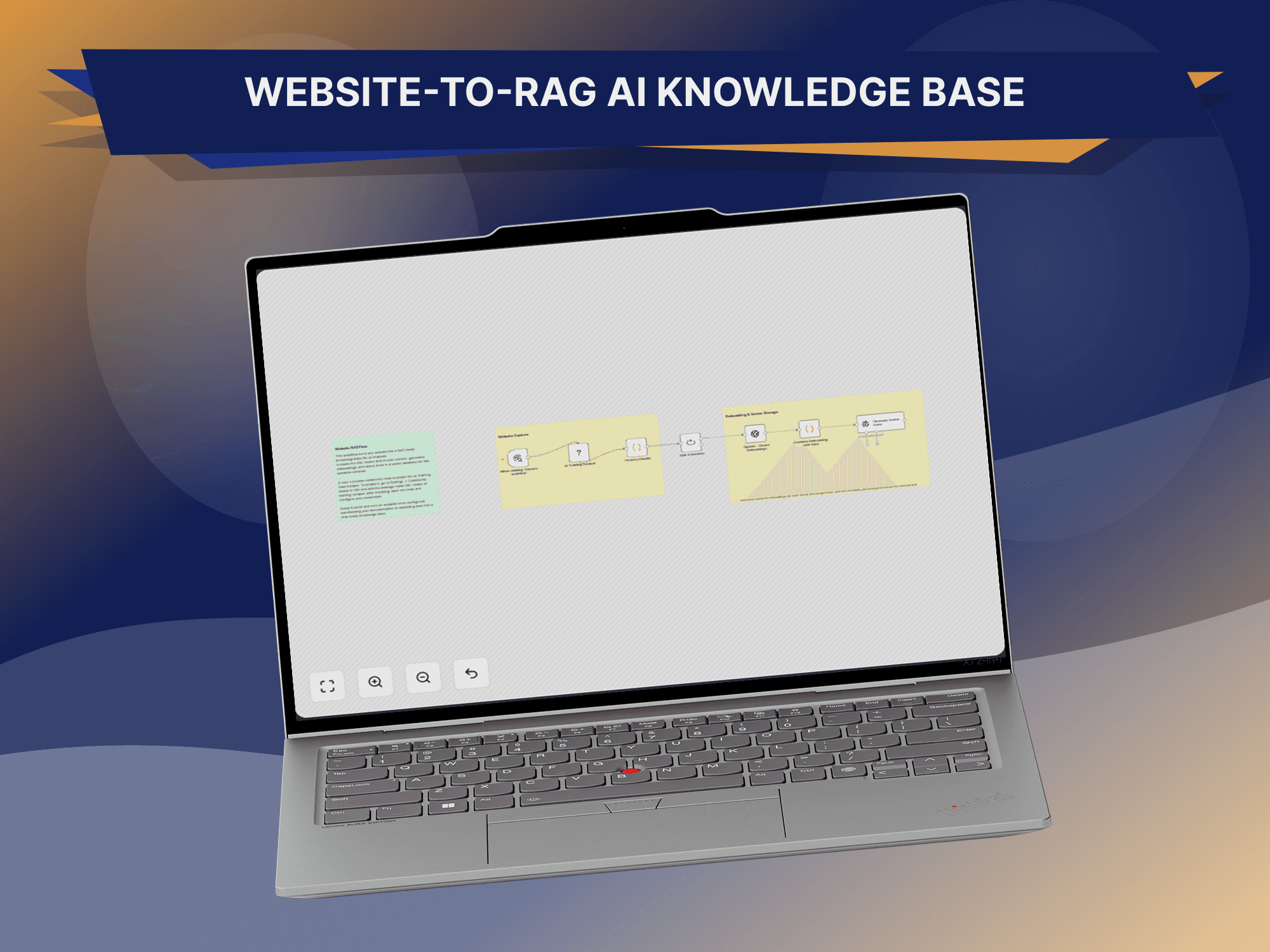
For simple questions — "what time does your support team operate?" — AI can respond immediately using approved information, cutting down on tickets that never needed a person in the first place. The part that actually makes this reliable is connecting the AI to a real knowledge base — FAQs, product documentation, support articles, service information, troubleshooting guides, policies, internal SOPs, setup instructions — rather than expecting it to already know everything, retrieving the relevant documents before generating an answer. This is the approach commonly known as retrieval-augmented generation, or RAG, and it matters here specifically because a general model might know something about CRM integrations in the abstract without knowing this company's actual configuration process — RAG is what grounds the answer in the organization's own approved documentation instead of a generic guess.
Knowing when not to answer
A good support system shouldn't try to answer every question — if the knowledge base doesn't have a reliable answer, escalating to a human is far safer than generating something confident and wrong. That single check, reliable answer or escalate, does more for trust in the system than almost anything else in the architecture.
Recognizing the customer and giving a personalized answer
A support system can identify a customer from their email, phone number or account ID, look them up in the CRM, and pull relevant context — account status, open tickets, subscription, prior interactions, an assigned account manager — while keeping access limited to only what that specific task needs. That context is what separates a generic "please check your account" from something like "your account currently shows an open support request, I've linked your message to that ticket so the team can continue from where it left off" — a noticeably more seamless experience for the customer on the other end.
Turning a message into a ticket a human can act on
When a customer reports a real problem, the system can classify it, create a ticket, assign a priority and notify support automatically — and attach an AI-generated summary covering the issue, the context, the impact, a suggested priority and the next step, so the agent opens something they can act on immediately instead of reading an entire back-and-forth conversation just to understand what's actually being asked.
Priority and sentiment as routing signals
Not every ticket deserves the same urgency — "our entire sales team has been unable to access the platform since this morning" is clearly high priority, while "where can I change my profile picture" clearly isn't, and a business should define explicit rules for exactly where that line sits rather than leaving it to guesswork. Sentiment adds another signal on top of that: a message read as frustrated or negative can be routed to a human faster, not as a perfect measurement of someone's emotional state, but as a genuinely useful indicator of which conversations shouldn't sit in a queue.
Handing off to a human without losing the thread
A successful system needs a clean handoff — can the AI resolve this, yes or no — and when the answer is no, the handoff should carry the conversation's context with it, so the customer isn't asked to explain the same problem twice to a different person. AI doesn't always need to talk to the customer directly to be useful, either: it can work behind the scenes, searching the knowledge base and suggesting an answer for a human agent to review before it goes out, which tends to work particularly well in more sensitive or complex support environments.
“The handoff should preserve context — a customer shouldn't have to explain the same problem twice.”
The workflow doesn't stop once a ticket exists
Once a ticket is created, it can be assigned to a department, given a priority, notified to an agent, and put on an SLA timer that gets tracked until resolution — and when it's resolved, the CRM gets updated, the customer gets notified, and the workflow closes on its own. That same SLA timer is what lets a business flag a ticket approaching its deadline before it's actually missed, and escalation more broadly can trigger on priority, customer type, issue category, time elapsed, AI confidence, repeated failed attempts or a direct customer request — the important principle being that automation always needs an exit path to a person.
Meeting customers on email, WhatsApp and the website
Email can be classified, matched against intent, checked against the knowledge base and CRM, and either answered automatically for simple requests or drafted for a human to review on anything more complex. WhatsApp can run the same pipeline — a webhook, AI, the knowledge base, the CRM or ticketing system, and a response — which matters most for businesses where WhatsApp is already the main way customers reach them. A website assistant can answer directly from the knowledge base the same way, while also recognizing when a visitor is actually looking for sales rather than support — "can you tell me how much your CRM development service costs?" belongs with sales, not the support queue, and routing it correctly the first time avoids an unnecessary handoff later.
One customer view: support connected to the CRM
A support conversation analyzed by AI can update the CRM with support history, customer status, open opportunities, relevant notes and preferences where appropriate, giving sales and support a shared picture of the relationship instead of two separate ones. n8n typically sits underneath all of it — a message goes through n8n to AI, to the CRM, to the knowledge base, to the ticketing system, out as a notification — connecting each of those systems without a business having to build every integration between them from scratch.
What this looks like by business type
An e-commerce business can automate order status, shipping information, product questions, return instructions and store policy questions through an order lookup feeding straight into AI, always scoped to only what that authenticated customer should actually see. A SaaS company can use the same architecture for product questions, setup instructions, troubleshooting, account guidance and documentation search — "how do I connect my account to the API?" answered directly from the product docs. A professional services business can automate general inquiries, service information, consultation requests, lead qualification and appointment-related workflows, connecting support and sales into a single customer journey rather than two separate ones.
Measuring what actually matters
First response time, resolution time, automation rate, escalation rate, customer satisfaction, resolution accuracy and cost per ticket are the numbers worth tracking — but the objective isn't maximizing automation for its own sake. A system resolving 95% of conversations sounds impressive right up until those answers turn out to be poor, at which point a high automation rate is actually a sign the system is failing. The better goal is resolving the right requests automatically while escalating the right ones to a person — quality matters more than the percentage automated.
Mistakes worth avoiding
The common failure modes are consistent: dumping an entire, unorganized knowledge base into the system and expecting consistent results; skipping human escalation for issues that genuinely need judgment; letting AI guess instead of saying plainly that it doesn't know; giving generic answers with no customer context, which reads as frustrating rather than helpful; running with no monitoring into how the system is actually performing; automating sensitive actions without additional verification; and building AI support as a disconnected system instead of integrating it into the workflows that already exist.
None of this is about removing the people from support. The stronger model has AI handling the repetitive requests and people handling the genuinely complex ones — which frees a support team to spend its time on the problems that actually need human judgment rather than answering the same question for the hundredth time. Building that reliably also means treating security as a design decision from day one: proper authentication and authorization, data minimization, secure API credentials, access controls, audit logs, retention policies, encryption where it's appropriate, and human approval for anything sensitive — with AI only ever given access to the specific information its task requires, nothing more.
Customer support is moving toward a hybrid model. Instead of a customer reaching a support agent directly, the path increasingly runs from the customer through AI, into the company's knowledge and business systems, and to a human when one is genuinely needed. That doesn't remove people from the picture — it changes where they spend their time, trading a hundred repeats of the same question for the ten conversations that actually need their expertise. That's the kind of system GitzTech builds — AI assistants, knowledge bases, RAG, CRM platforms, WhatsApp, email, n8n, helpdesk systems, databases, APIs and human escalation workflows connected together, aimed at being useful, measurable and controllable rather than just an AI chatbot bolted onto a website.
AI customer support automation was never about replacing the support team — it's about removing the repetitive work and making the whole operation more responsive: understanding the request, identifying intent, searching company knowledge, retrieving customer context, generating a response, updating business systems, creating tickets, escalating what's genuinely complex, and keeping a person in control throughout. The most effective support systems aren't the ones that automate everything. They're the ones that know what to automate, and when a human should take over.
Common questions
What is AI customer support automation?
It combines AI, workflows, knowledge bases and business integrations to automate parts of the customer service process.
Can AI handle customer support without humans?
AI can handle many routine requests on its own, but human escalation remains important for anything complex, sensitive or genuinely uncertain.
Can AI use a company's own documentation?
Yes. RAG-based systems can retrieve relevant information directly from approved company knowledge sources rather than relying on general model knowledge.
Can AI support connect to a CRM?
Yes. Customer context, tickets, summaries and other relevant support information can be integrated with a CRM system.
Can WhatsApp be used for AI customer support?
Yes, with the appropriate WhatsApp Business or API infrastructure and a properly designed automation system behind it.
Can n8n automate customer support?
Yes. n8n can orchestrate AI, APIs, CRM systems, databases, messaging channels and support workflows into one connected process.
How do you prevent AI from giving incorrect answers?
Use approved knowledge sources, retrieval, confidence thresholds, business rules, monitoring and human escalation — rather than letting the AI guess when it doesn't actually know.